iLovePDF vs Smallpdf vs YourFreePDF: a practical PDF workflow comparison
Compare document workflows, processing location, previews, conversion limits, signing and the checks that matter before choosing a PDF tool.
Read guideA simple set of PDF tools to organize, convert, and finish your files. Less paperwork between you and your next step.
Find your PDF tool
Get everyday PDF tasks done quickly and easily.
Combine PDF files into one document, in your order.
Extract the pages you need into a separate PDF.
Combine JPG or PNG images into a clean A4 PDF.
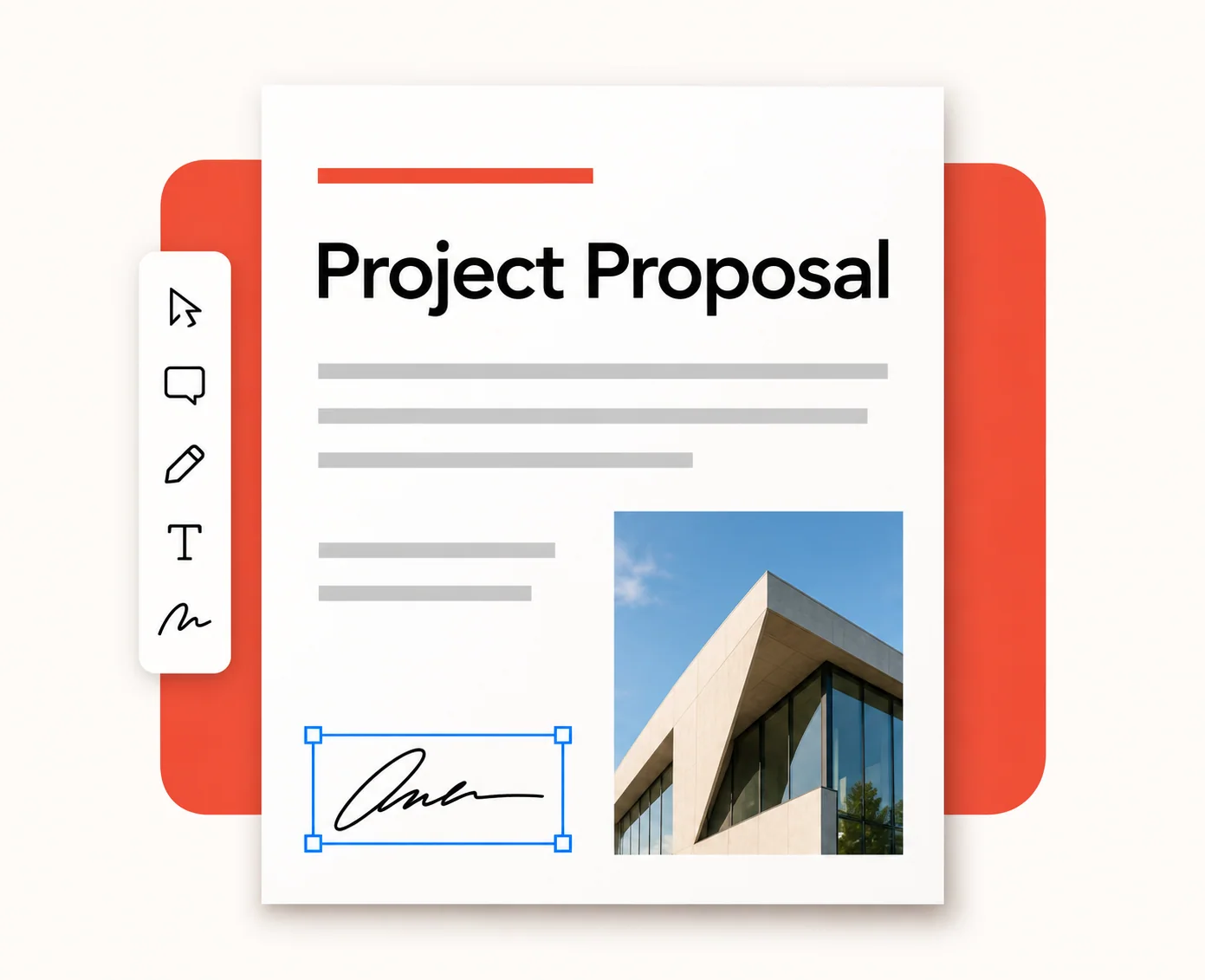
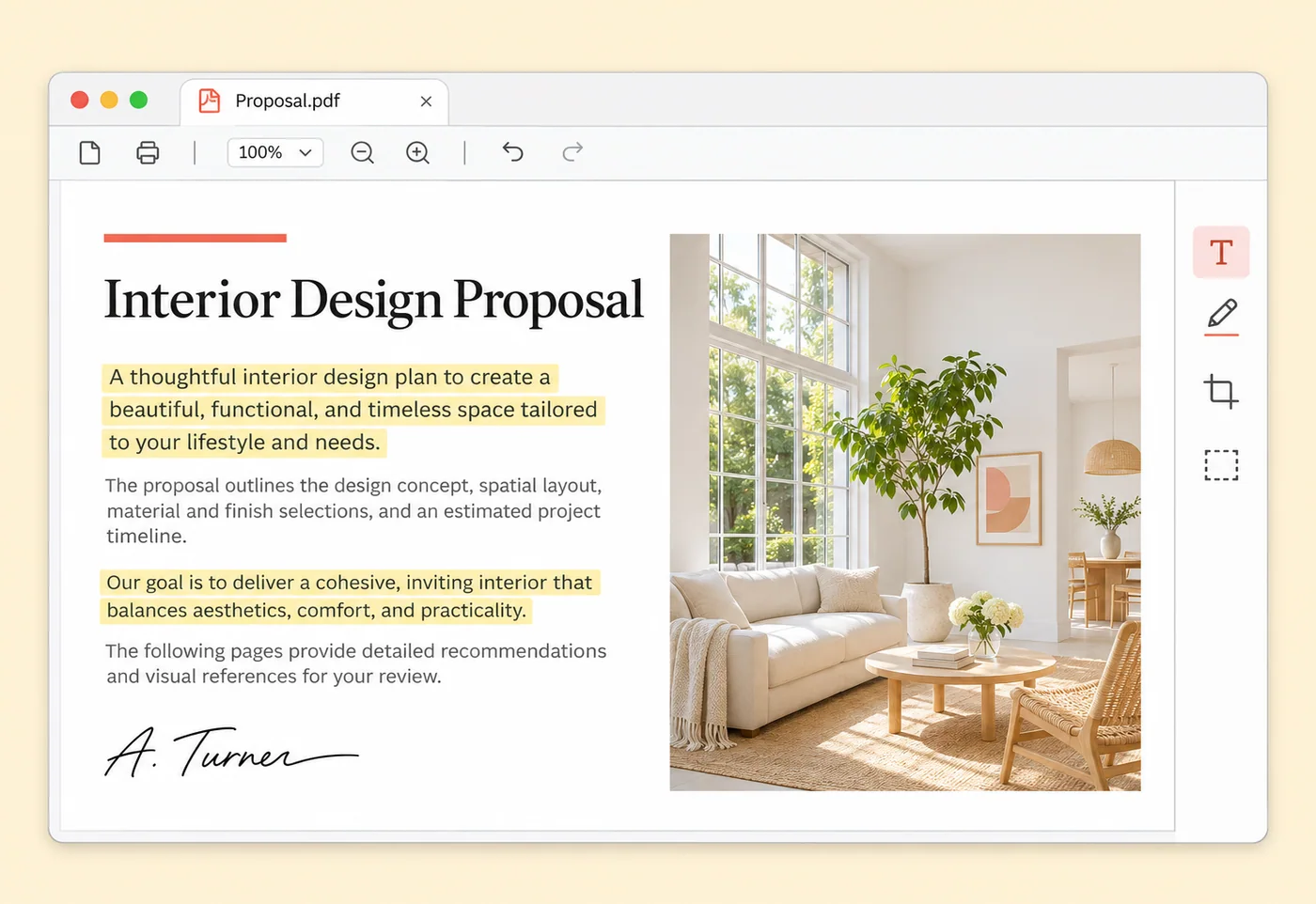
Draw or type a signature and drag it onto a page.
Make smaller image-based PDFs with quality controls.
Extract selectable text into an editable Word document.
Organize and finish documents in a way that fits your day. Bring the right pages together, add the final details, and move on.

Practical tips, how-tos, and ideas to help you get more from your PDFs.

Compare document workflows, processing location, previews, conversion limits, signing and the checks that matter before choosing a PDF tool.
Read guide
Combine related documents into one clear PDF, with the right pages in the right order.
Read guide
A practical guide to choosing pictures, arranging pages, and checking the finished document.
Read guideMost PDF tools run in your browser. Account saves and phone pairing use cloud storage; webpage conversion runs on our server.
Choose the tool, set your options, and download the result. No account needed for local tools.
Every tool has its own instructions, honest limits, and practical answers before you begin.
Source preview shows the original file. Create PDF to review your changes in the finished result.